Get in touch
I'm always excited to take on new projects and collaborate with innovative minds.
Phone
Website
Address
Dhaka, bangladesh
I'm always excited to take on new projects and collaborate with innovative minds.
Dhaka, bangladesh
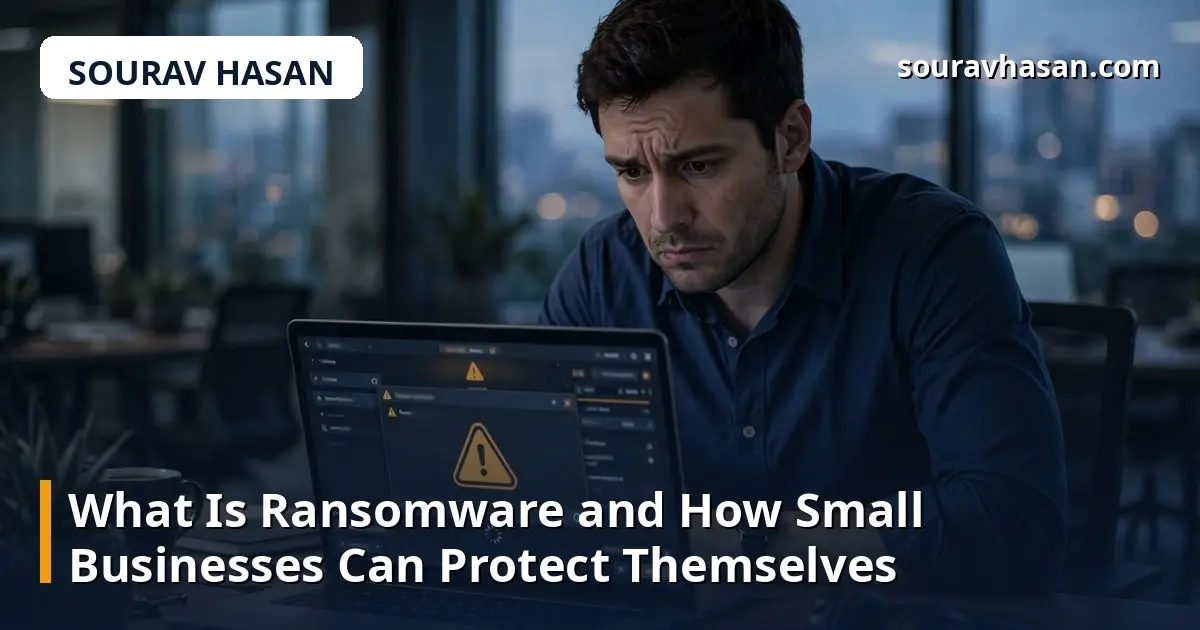
Ransomware is one of the most feared words in cyber security. It is malicious software that locks you out of your own files and demands payment to hand them back — and for a small business, that can mean a closed shop, lost orders and days of disruption. In this guide I explain what ransomware is, how it gets in, what to do in the first hour, and how to protect your business.
I write this from experience. As IT & Digital Operations Manager at TechLand Bangladesh, I look after the systems and networks a business depends on every day. I also run my own e-commerce store, Synex Technologies, so I know the pressure of being responsible for everything — including security.
Ransomware is malware that encrypts the files on a computer or network — documents, photos, databases and customer records — then demands a ransom, usually in cryptocurrency, for the key. Until then, the files are unreadable.
A harsher type, double-extortion ransomware, also copies your data first and threatens to publish it online unless you pay — so the damage continues even after a restore.
Ransomware is not a random accident. It is a deliberate business model: criminals target small businesses because smaller teams often have fewer defences and less time to keep everything patched and backed up.
Ransomware rarely breaks through a firewall on its own. Usually, somebody lets it in without realising it — and each common entry point has a simple defence.
The most common route is a phishing email: a message that looks like an invoice, a delivery notice or a request from a manager, but carries a malicious attachment or a link to a fake login page. One click, and the infection begins. For background, see my guide to what malware is and how to remove it from a computer.
Many small businesses still use simple passwords, or the same password across several systems. Attackers try lists of common and leaked passwords against remote access and email accounts, then move quietly around the network before encrypting. Multi-factor authentication — a second check such as a code on your phone — makes this far harder.
Updates often fix security holes criminals actively exploit, so a computer running an old operating system or unpatched software is an open door. The same applies to your website: the website security basics every small business should know apply here too, because an unpatched website can become the way in.
Pirated software, free tools from untrusted sites and USB drives borrowed from outside the office can all carry ransomware. The fix is a simple rule: only install software from official sources, and never plug in a USB drive you do not trust.
If you suspect an infection, the first hour matters. A calm, quick response limits the damage.
When your files are locked and your business is stopped, paying can feel like the fastest way out. But there is no guarantee: some victims pay and receive nothing, while others get a decryption tool that only partly works. Paying also marks you as a business that pays, and the money funds further crime. In some places it can even have legal consequences, so get professional advice before considering it.
The only reliable way out is a clean, tested backup and a recovery plan — far cheaper than any ransom.
Prevention does not need an enterprise budget. Most defences against ransomware are basic, inexpensive habits done consistently.
Yes, although Windows computers are the most common target. The same defences — updates, careful downloading and backups — apply on every device.
Good security software blocks a great deal of it, but no single tool guarantees protection. It must be combined with training, updates and backups.
A backup made before the infection is usually safe, if it was stored separately from the infected network. A drive connected during the attack may be encrypted too — which is why an offline copy matters.
Very much so. Attackers know smaller teams often have fewer defences and less time for security, and even a modest ransom is profitable at scale. Being small does not make you invisible.
Ransomware is a serious threat, but not an unstoppable one. It gets in through familiar doors — a phishing email, a weak password, an unpatched system — and most can be closed with straightforward habits: tested backups, timely updates, strong passwords, multi-factor authentication and staff awareness.
Start with one step this week: check your backups can be restored, switch on multi-factor authentication for your email, or run the pending updates on every device. Small, consistent actions keep a small business standing.
Your email address will not be published. Required fields are marked *