Get in touch
I'm always excited to take on new projects and collaborate with innovative minds.
Phone
Website
Address
Dhaka, bangladesh
I'm always excited to take on new projects and collaborate with innovative minds.
Dhaka, bangladesh
PoE and Wi-Fi cameras both protect your shop or office, but they suit different spaces. Compare reliability, installation, cost and security to pick the right one.
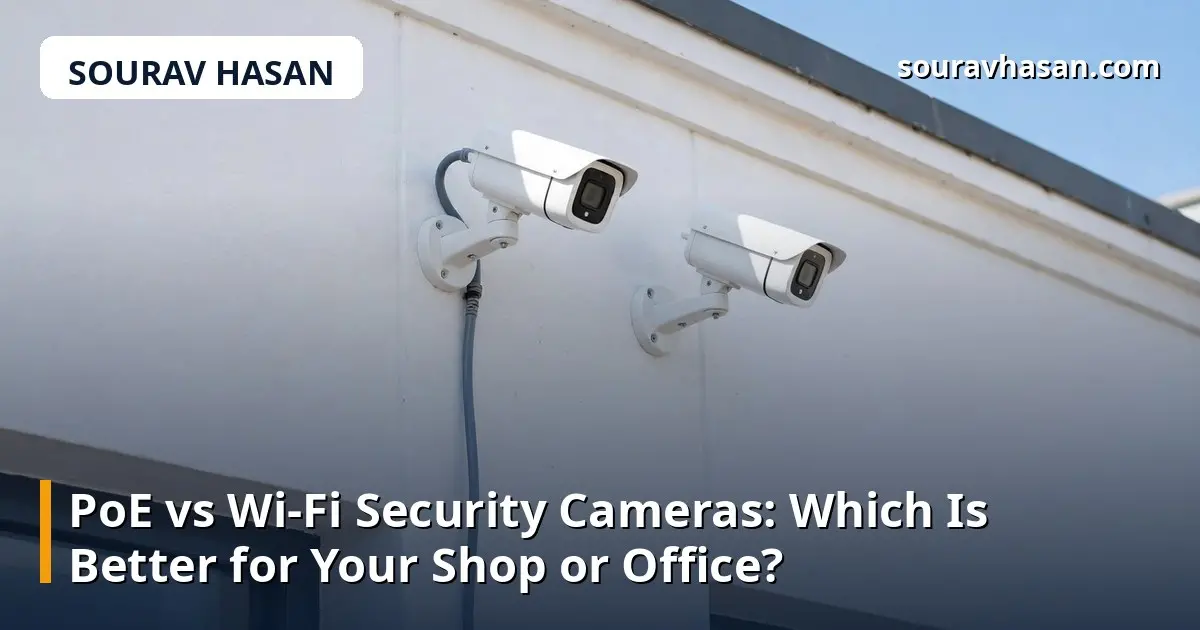
When you shop for security cameras, you will meet two main types: PoE cameras and Wi-Fi cameras. Both record clear video, both let you watch from your phone, and both can protect a shop or office. But they work in very different ways, and choosing the wrong one for your space leads to weak signals, dropped recordings or a difficult installation.
I sell and install security cameras through my store, and this is one of the most common questions customers ask me. The answer depends on your building, your budget and how many cameras you need. This guide compares the two types honestly so you can choose with confidence.
PoE stands for Power over Ethernet. A PoE camera connects to your network with a single Ethernet cable, and that one cable carries both the video signal and the power the camera needs. The cable runs from the camera to a PoE switch or a network video recorder (NVR) with built-in PoE ports.
Because the connection is wired, it is stable. There is no wireless signal to weaken through walls, no interference from other devices, and no separate power adapter at each camera. PoE systems are the standard choice for offices, shops, warehouses and any building where several cameras need to run reliably around the clock.
A Wi-Fi camera connects to your router wirelessly, like a phone or laptop. It still needs power — usually from a nearby socket through an adapter — but there is no data cable to run. That makes installation much simpler: mount the camera, plug it in, connect it to your Wi-Fi, and it is running.
Wi-Fi cameras are popular for homes and small shops because you can add one camera at a time without running cables through walls. Many of them store video on a memory card inside the camera, or in the cloud, and are managed entirely from a phone app. My guide on setting up a CCTV camera system covers the basics of placing and configuring them.
This is the biggest difference. A PoE camera's wired connection does not drop when the Wi-Fi is busy, when a microwave runs, or when a neighbour's router interferes. It records continuously at full quality, and the video reaches the recorder without compression compromises.
A Wi-Fi camera depends entirely on your wireless signal. A camera at the far end of a shop, behind two concrete walls, may connect weakly and drop frames — or disconnect at the worst moment. Wi-Fi works well when the signal is strong, but it is a shared resource: every phone, laptop and smart device in the building competes for the same bandwidth. For critical coverage, such as a shop entrance or a cash counter, a wired connection is the safer choice.
A Wi-Fi camera can be up and running in minutes, which is a real advantage if you are renting a space or you only need one or two cameras. The trade-off is a power cable and adapter at every camera, and a socket nearby — which is not always where you want the camera to be.
PoE installation takes more work upfront, because someone has to run Ethernet cables from each camera back to the switch or recorder. But once it is done, the result is neater and more flexible: a PoE camera can be mounted anywhere a cable reaches, including ceilings and outdoor spots far from any socket. For a new shop or office, running the cables during fit-out is easy and inexpensive. For an existing building, it may mean hiring someone to run the cables properly.
The cameras themselves cost roughly the same at a given quality level. The difference is in the extras. A Wi-Fi setup needs little beyond the cameras and a memory card or cloud plan. A PoE setup needs a PoE switch or an NVR, plus the cost of cables and installation — which can be significant if a professional runs them.
However, PoE becomes cheaper per camera as you add more. A four-camera PoE system shares one switch and one recorder, while four Wi-Fi cameras each need their own power, storage and a share of your Wi-Fi capacity. For one or two cameras, Wi-Fi is usually cheaper. For four or more, PoE often works out better value over the life of the system.
A wired PoE system keeps your video on your own recorder, inside your building. That is harder for an intruder to interfere with than a wireless signal, which can in principle be jammed — though this is rare in practice. Wi-Fi cameras, meanwhile, need a strong password on both the camera and your router, and their firmware should be kept updated, because an unsecured camera on your network is a risk.
On storage, PoE systems with an NVR usually record continuously to a hard drive and keep weeks of footage. Wi-Fi cameras with memory cards often record only when they detect motion, and the card can fill up quickly. Cloud storage solves this but adds a monthly cost per camera, which adds up fast when you have several.
Use this simple guide:
If you are still deciding between camera technologies in general, my comparison of IP cameras vs analogue CCTV explains how modern IP systems differ from older analogue ones, which will help you understand where PoE fits in.
Yes, if it is connected to a PoE switch and your network, you can view it directly from a computer or phone app. An NVR is still the best way to record and manage several cameras in one place.
A standard Ethernet cable run is up to 100 metres from the switch to the camera. That covers almost any shop or office. For longer runs, a PoE extender or an additional switch is needed.
Most Wi-Fi cameras keep recording to their memory card without internet, but you will not be able to view them remotely until the connection returns. A PoE system with a local NVR keeps recording and can be viewed on the local network even without internet.
Yes, in most real buildings. A wired connection is not affected by walls, distance from the router or other wireless devices, so the video is steadier and the recording is more complete.
There is no single winner between PoE and Wi-Fi — there is only the right choice for your space. A single Wi-Fi camera over a small shop counter is a sensible, low-cost solution. A PoE system across a busy office is a professional one. Think about how many cameras you need, how reliable the recording must be, and whether you can run cables. Answer those three questions honestly, and the choice makes itself.
Your email address will not be published. Required fields are marked *